

Apple Watch hypertension notifications do not give you an on-demand systolic and diastolic blood pressure reading. The feature looks for patterns associated with possible hypertension. If your goal is to obtain numbers such as 120/80 mmHg, you still need an appropriate blood pressure measurement device.
That distinction matters when shopping for a health-related watch this holiday season. A watch that alerts you to a possible pattern and a cuff that measures pressure can both have a role, but they answer different questions.
In this guide
- What Apple Watch hypertension notifications actually do
- Notification, logged value and measurement are different things
- What if you receive an Apple Watch alert?
- What should you buy if you want actual readings?
- How cuff-based watches differ from Apple's notification feature
- Choose the setup around your existing watch
- Frequently asked questions
What Apple Watch hypertension notifications actually do
According to Apple's support documentation, the feature analyzes optical heart-sensor data over 30-day evaluation periods. It may notify an eligible user when it identifies patterns associated with chronic high blood pressure.
Apple describes it as a notification feature, rather than a tool for diagnosing or managing hypertension. Not everyone with hypertension will receive a notification. Absence of an alert is not a reason to skip a monitoring plan agreed with your healthcare professional.
Availability depends on the model, software, region and user eligibility. Check Apple's current requirements for the exact watch you are considering, particularly when buying for someone who already has diagnosed hypertension.
Notification, logged value and measurement are different things
| What you see | What it tells you | What it does not establish |
|---|---|---|
| A possible-hypertension notification | A pattern met the feature's criteria | Your current blood pressure numbers |
| A blood pressure value in a phone app | A reading was entered or transferred | That the phone or watch measured it |
| A completed cuff measurement | The device produced numerical results | A diagnosis from that reading alone |
The origin of a number matters. Before purchasing any app, ask which hardware supplies the measurement and whether the app records, estimates or actually controls an appropriate measurement device.
A store screenshot showing a blood pressure chart does not answer that question. Read the feature description beneath the image, and trace the value back to its source.
What if you receive an Apple Watch alert?
Apple directs users who receive a notification to use a third-party cuff and track readings for seven days, then discuss the notification and measurements with a healthcare professional. Follow the current instructions shown on your device.
Buying a second wearable is not a substitute for that follow-up. If you already own a suitable cuff, the next task may be learning the logging workflow rather than buying another device.
Also remember that entering cuff readings into an app does not turn the watch itself into a cuff monitor. For the logging workflow, Apple's Blood Pressure Log guidance explains the separate recordkeeping function.
What should you buy if you want actual readings?
Start with the purpose of the reading. If you need measurements for diagnosis, medication decisions or an existing care plan, ask your healthcare professional about a suitable authorized monitor. The AHA recommends validated automatic upper-arm monitors for home use.
Check model-specific evidence. The FDA warns against unauthorized devices that claim to measure or estimate blood pressure. A familiar app, attractive display or “health” label does not replace verification.
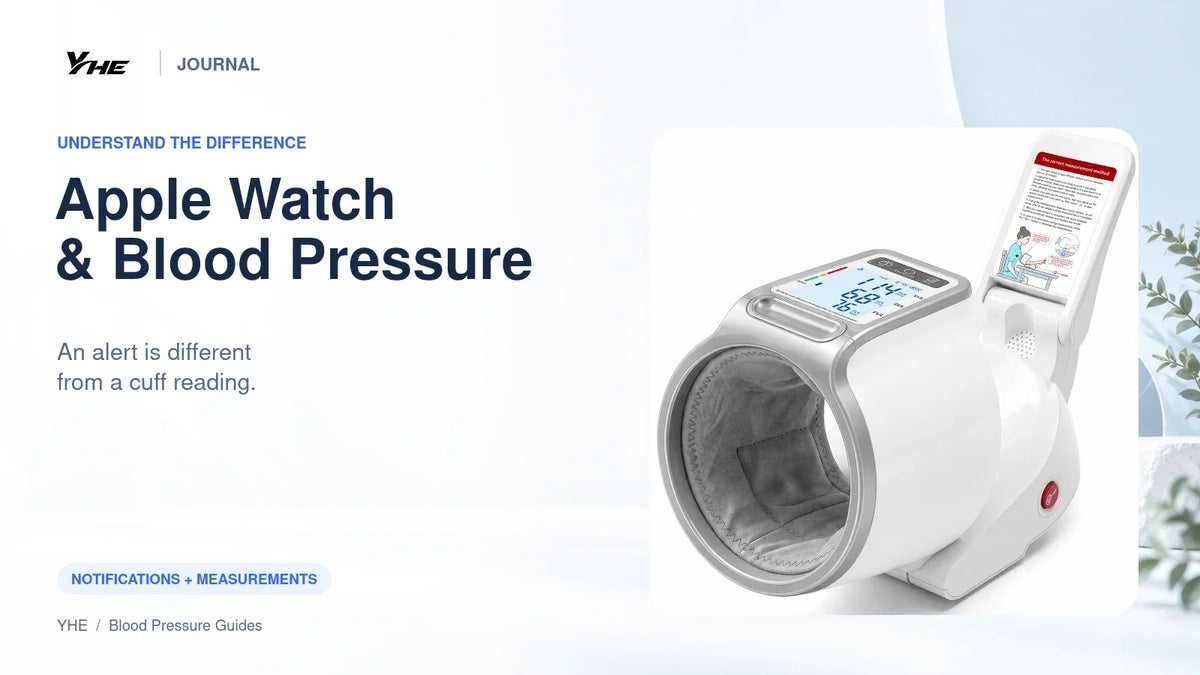
YHE's upper-arm option is BP Home. The CH-S693L model is included in FDA clearance K251102. It offers an integrated arm-in cuff for a stationary home setup. That clearance does not apply to YHE's wrist watches.
How cuff-based watches differ from Apple's notification feature
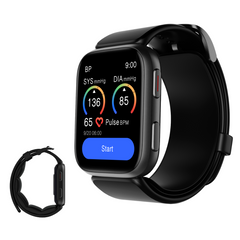
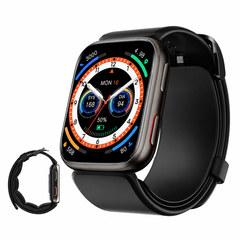
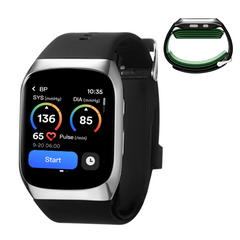
YHE BP Doctor Fit, Ultra and Med use inflatable wrist cuffs for user-started checks. Their intended interaction involves starting a measurement cycle, rather than waiting for a long-term pattern notification.
This makes the measurement workflow different, but does not establish clinical equivalence with an authorized upper-arm monitor. Wrist fit, position, the exact model and its evidence still matter.
If a wearable is on your shortlist, compare the YHE watch options and review our guide to blood pressure watch accuracy claims. There is no need to replace an Apple Watch you enjoy simply to obtain cuff readings: a separate monitor may be the more direct purchase.
Choose the setup around your existing watch
You like your Apple Watch and want home blood pressure numbers. Keep the watch and investigate a suitable cuff. Decide whether you prefer a paper log, manual phone entry or a monitor with a verified data-transfer feature.
You are buying your first health wearable. Write separate lists for smartwatch features and blood pressure needs. Notifications, calls, exercise tools and a blood pressure monitoring plan may be better served by different devices.
You are buying for a parent. Ask whether they want a watch at all. A tabletop monitor may be easier to incorporate into their routine. If they already have diagnosed hypertension, check the notification feature's eligibility rather than assuming it is designed for them.
You mainly want fewer apps. A monitor with on-device results and memory may remove phone setup from the task. Do not buy app integration until you know how you want to keep the records.
Frequently asked questions
Can Apple Watch show 120/80 as a reading it measured itself?
The hypertension notification feature described here does not produce that on-demand numerical measurement. A logged value can come from a separate cuff.
Can I rely on not receiving a notification?
No. Apple states that not everyone with hypertension receives a notification. Follow your healthcare professional's monitoring advice regardless.
Do I need to buy a new smartwatch if I already have an Apple Watch?
Usually the first question is whether you need a suitable cuff, not a replacement watch. Choose the measurement device for its intended use and evidence.
Does a blood pressure app measure pressure through my phone?
Do not assume it does. Check the app's instructions and identify the measurement hardware. Many apps organize readings from another device.
Explore YHE BP Home if your priority is a dedicated upper-arm device for the home.
Sources
- Apple hypertension notifications
- FDA blood pressure device safety communication
- FDA clearance record K251102
Information checked October 22, 2026. General education, not individual medical advice. Brand names identify their respective products; no affiliation with Apple is implied.

Leave a comment
This site is protected by hCaptcha and the hCaptcha Privacy Policy and Terms of Service apply.