

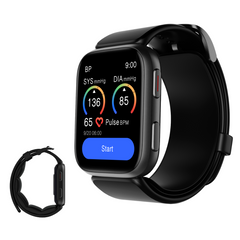
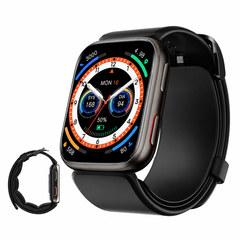
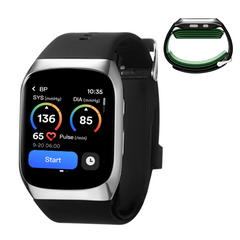
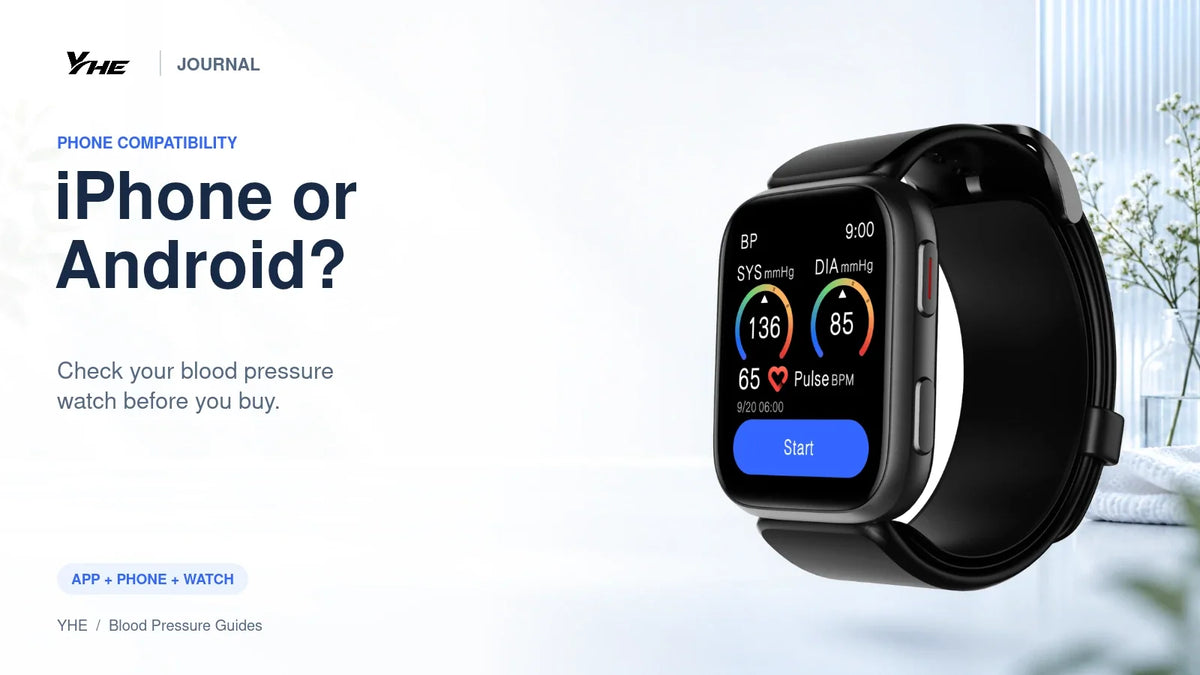
A blood pressure watch advertised as “iPhone and Android compatible” still deserves a closer check before you buy. Compatibility includes more than Bluetooth: the correct companion app must be available for the user's phone, and the features they want must work with the selected model.
For YHE BP Doctor watches, use the official website or the supplied model-specific instructions to find the app. Then confirm the current app-store requirements on the actual phone. That is especially useful when buying a watch as a Christmas gift.
In this guide
Check these four things before ordering
| Check | What to do | Why it matters |
|---|---|---|
| Phone and software | Identify the exact phone and operating-system version | “iPhone” or “Android” alone is too broad |
| Companion app | Open the official link and inspect the store listing | Similar names can lead to the wrong app |
| Watch model | Check the listing, manual or support confirmation | One brand may have different generations of devices |
| Required feature | Name the task you expect to perform | Basic pairing does not prove every integration works |
You do not need to memorize a list of minimum versions from a blog. Store requirements can change. Checking the live listing on the recipient's phone is more useful than relying on an old specification screenshot.
For iPhone buyers
Start with the Download APP link on YHE's website or its official setup guide. The guide identifies the iPhone app as BP Doctor and names Yanhe Intelligent Technology (Hangzhou) Co., Ltd. as the developer.
Inspect the compatibility information in the current App Store listing. If a parent uses an older iPhone, ask before assuming they can install the latest app. A watch gift should not create an unexpected phone-replacement purchase.
Make a separate check if your goal is Apple Health integration. An app running on iPhone does not, by itself, establish that it transfers blood pressure records into Apple Health. Ask support about the exact data type and direction of transfer you require.
For Android buyers
Use the official YHE Google Play link or your device manual's download route. YHE's current setup guide says the website's Android link opens Bp Doctor Plus. Names and supported-device lists should be checked for the exact watch being purchased.
If the store description appears unclear about Fit, Ultra or Med support, ask YHE to confirm the correct listing for your model and phone before ordering. Include the phone model, Android version, country and watch name in the question.
Review requested permissions and follow the setup prompts. Grant permissions you understand and need for the desired functions. Do not install a similarly named third-party app just because it appears first in search.
Bluetooth pairing and app binding are separate checks
Seeing a watch in your phone's Bluetooth menu does not necessarily mean the companion app is ready to sync. YHE's setup guidance directs users to add the device inside the app.
During first setup, keep the phone and watch near each other and follow the app's connection prompts. Once connected, check whether the expected record appears. A successful connection message is useful; a visible measurement with the correct date and time is a better confirmation that the intended workflow works.
For detailed connection steps, use the existing setup guide rather than trying unrelated reset instructions from another watch brand.
Does the phone have to be beside you for every reading?
YHE's instructions describe starting blood pressure checks directly on the watch and syncing available records after reconnection. That separates taking a reading from reviewing history on a phone.
It does not mean the watch is a permanently phone-free system with unlimited storage. Check the model's record capacity and synchronize often enough for your needs. If a long-term record matters, verify that the dates and readings actually appear in the app before relying on them.
A useful pre-purchase question is: “I want to take readings away from my phone and review them later. How many can this specific watch retain, and which app functions are free?” This is much more precise than “Does it work with Android?”
Do not confuse compatibility with medical suitability
A compatible phone makes the digital workflow possible. It does not establish that a blood pressure device is appropriate for diagnosis or treatment decisions.
If your clinician has asked you to record home readings, confirm the measurement device first and the app second. A clear paper record from the recommended monitor can be more useful than a complicated connected setup that does not meet the care plan.
For an overview of the product choices, see Fit, Ultra and Med. If the person prefers a stationary upper-arm device, investigate BP Home separately rather than assuming it uses the watch app.
A gift compatibility checklist
- Ask the recipient which phone they currently use.
- Check the operating-system version and official app availability.
- Confirm the exact watch model with the manual or support.
- List any required export or third-party health-app features.
- Ask before setting up an account or accessing health records.
- Keep the purchase and return information with the gift.
When helping with setup, let the recipient control their account. Use your assistance to make the process understandable, rather than making them dependent on your phone.
Frequently asked questions
Do YHE BP Doctor watches support iPhone and Android?
YHE lists compatible iOS and Android support for its current watches. Confirm the correct app and current phone requirements for the exact model before purchasing.
Does iPhone compatibility mean automatic Apple Health blood pressure sync?
No. Treat that as a separate feature to verify. Ask about the specific data you want transferred.
Can I set up a gift on my phone first?
It is better to agree on setup with the recipient. Binding a gift to your account can create extra account-transfer and recordkeeping work.
What should I send support to confirm compatibility?
Send the watch name, phone model, software version, country and the feature you need. Never send your password.
View BP Doctor Fit and complete the phone check before placing your order.
Sources and setup information
- YHE official app download and setup guide
- Fit connectivity specifications
- Ultra connectivity specifications
Information checked October 22, 2026. App availability and requirements can change. This is a purchasing guide, not medical advice.

Leave a comment
This site is protected by hCaptcha and the hCaptcha Privacy Policy and Terms of Service apply.