
A useful blood pressure log records the actual readings, when they were taken and enough context for your healthcare professional to interpret them. It does not need a complicated app or a graph for every day.
During Thanksgiving visits, Christmas travel and changes to your normal routine, a simple record can be easier to maintain than a system you rarely open. Use the blank table below as a starting point, and follow the measurement schedule your healthcare professional recommends.
In this guide
What to record in a blood pressure log
Record the date, time, systolic and diastolic values in mmHg, and the device used. Add pulse if it is relevant to your plan. Keep repeat readings rather than saving only the one you prefer.
A short context note can help explain an unusual session: “later than usual,” “different device,” or “not taken under usual resting conditions.” Record what happened without deciding that you have found its medical cause.
The NHLBI self-measurement resource includes recording and tracking measurements as part of home monitoring. The AHA also provides a printable log for sharing results with a healthcare professional.
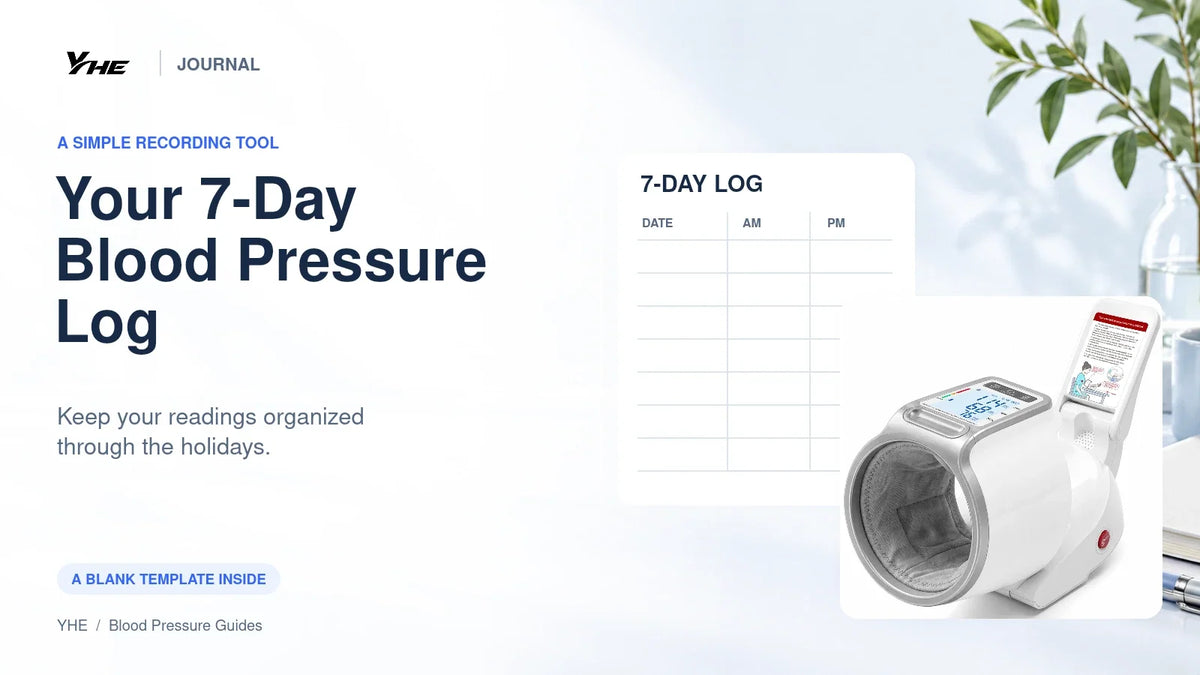
A blank seven-day template
Copy this table into a document or print it. Each reading cell is for systolic/diastolic in mmHg. Morning and evening columns are provided for convenience; use only the sessions your clinician asks you to record. The table itself is not a prescription to measure four times daily.
Name: ____________________ Device/model: ____________________
Week starting: ____________________ Agreed schedule: ____________________
| Date | AM time and reading 1 | AM reading 2 | PM time and reading 1 | PM reading 2 | Notes |
|---|---|---|---|---|---|
| Day 1 ______ | ____ / ____ | ____ / ____ | ____ / ____ | ____ / ____ | ________ |
| Day 2 ______ | ____ / ____ | ____ / ____ | ____ / ____ | ____ / ____ | ________ |
| Day 3 ______ | ____ / ____ | ____ / ____ | ____ / ____ | ____ / ____ | ________ |
| Day 4 ______ | ____ / ____ | ____ / ____ | ____ / ____ | ____ / ____ | ________ |
| Day 5 ______ | ____ / ____ | ____ / ____ | ____ / ____ | ____ / ____ | ________ |
| Day 6 ______ | ____ / ____ | ____ / ____ | ____ / ____ | ____ / ____ | ________ |
| Day 7 ______ | ____ / ____ | ____ / ____ | ____ / ____ | ____ / ____ | ________ |
If your schedule requires more readings, add rows. If you use more than one device, label which device produced each result. Do not combine different devices into one unlabeled series.
How to keep the record useful through the holidays
Choose a location before the day gets busy. Keep your log with the monitor or open the relevant app at the place where you normally prepare. A record is easier to maintain when finding it is not a separate task.
Plan for travel. If you use a monitor regularly, include it and its required accessories in your packing plan. The AHA's holiday travel guidance specifically reminds regular users to pack their monitoring equipment.
Record interruptions honestly. Leave a missed session blank or mark it “missed.” Do not reconstruct numbers from memory or add extra readings to make the table look complete.
Keep medication instructions separate. Follow your prescribed plan. A holiday log is information to discuss with your healthcare team, not a set of instructions for changing doses yourself.
Paper, memory or app: choose the simplest reliable workflow
| Method | Useful when | What to check |
|---|---|---|
| Paper log | You want a visible record without account setup | Legible writing, dates, units and a safe place to keep it |
| Monitor memory | You want to review saved readings on the device | Correct user profile, capacity and access to older results |
| Companion app | You already use the supported phone workflow | Successful syncing, correct timestamps and any export requirements |
Do not assume that a connected device has already saved every result you care about. Check the history periodically. If you plan to show a record at an appointment, confirm that you can actually open or print it beforehand.
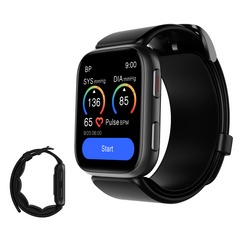
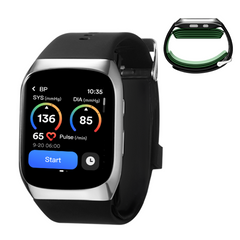
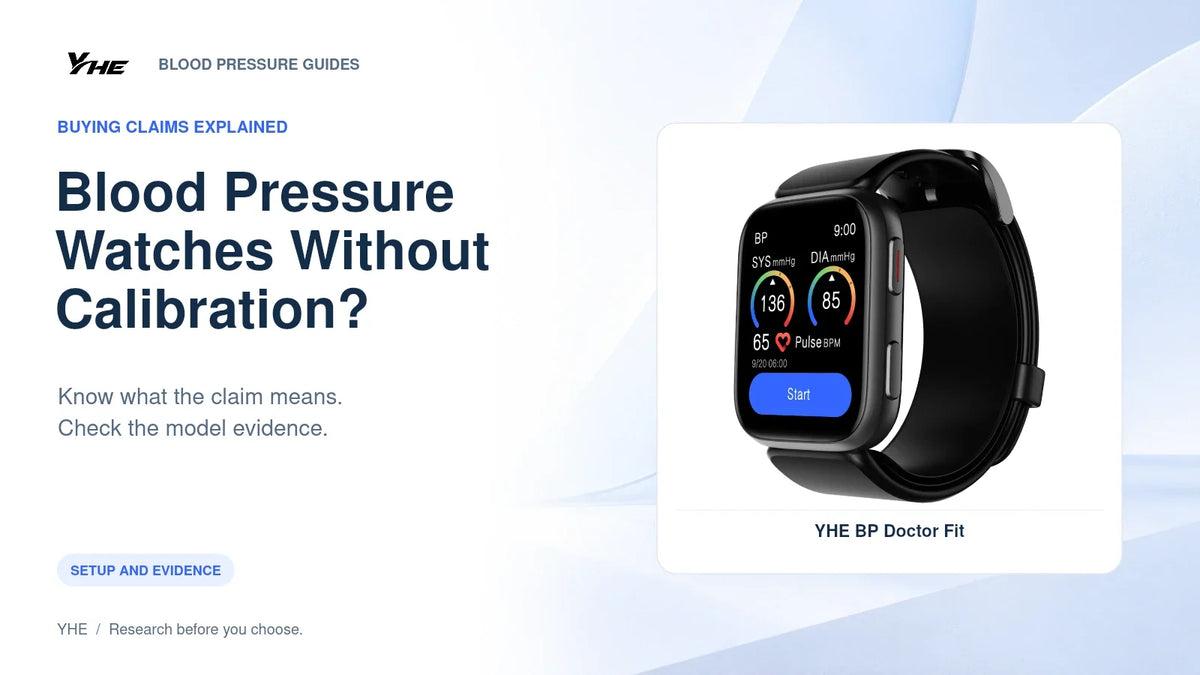
YHE's app setup guide explains the watch's syncing workflow. A home monitor's separate user memories are a different arrangement; use its own instructions.
Avoid three recording mistakes
Keeping only the lowest number. This can hide the variation your healthcare professional needs to see. Record the requested series rather than selecting the most reassuring result.
Mixing people or devices. A shared monitor needs clearly separated user records. A change of device should be visible in the log rather than looking like an unexplained shift in one continuous series.
Measuring repeatedly to chase a result. Follow your device's repeat-reading interval and agreed schedule. If you are worried about unusual readings, contact a healthcare professional rather than using the log to reassure yourself indefinitely.
What to bring to an appointment
Bring the dated record, the monitor model and any questions about technique or unexpected changes. Note any sessions taken outside your normal conditions. Ask whether your current schedule and record format meet the clinician's needs.
Do not wait for the table to be full if you have concerning symptoms or readings that require action under your care plan. Serious symptoms such as chest pain or possible stroke symptoms require urgent help regardless of whether you have completed a measurement.
Frequently asked questions
Should everyone measure morning and evening for seven days?
No. The table provides space for that pattern, but the right schedule depends on the reason for monitoring and professional advice.
How long should I wait between repeat readings?
Follow your specific monitor instructions and clinical plan. Some wrist devices require longer intervals than generic home-monitoring examples.
Can an app replace the measurement device?
A logging app can organize readings. That does not establish that the phone itself can measure blood pressure.
Should I buy a new monitor just to use this log?
No. Use an appropriate monitor you already have. If buying a replacement, choose it for suitability and evidence before choosing a logging method.
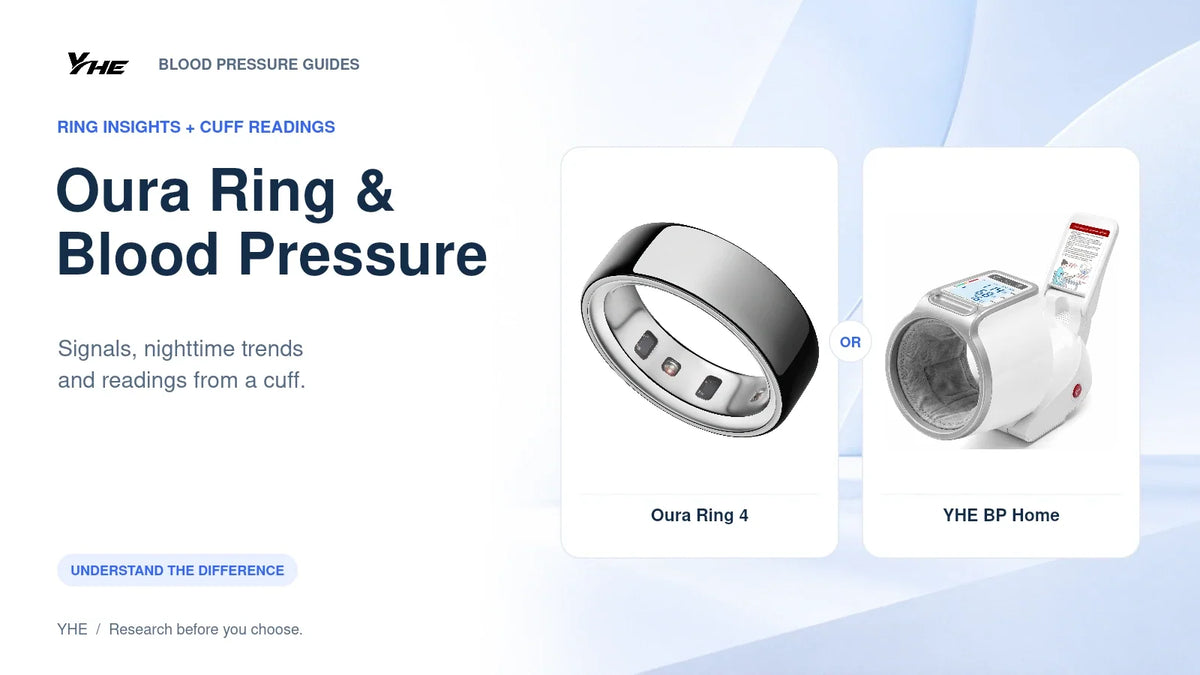
If you need a dedicated home device, explore YHE BP Home. Choose the device with your healthcare professional where medical monitoring is required.
Sources
- NHLBI self-measured blood pressure resource
- AHA printable blood pressure log
- CDC blood pressure management guidance
Source information checked October 22, 2026. This template is a recording aid, not a diagnosis tool or personalized treatment plan.

Leave a comment
This site is protected by hCaptcha and the hCaptcha Privacy Policy and Terms of Service apply.